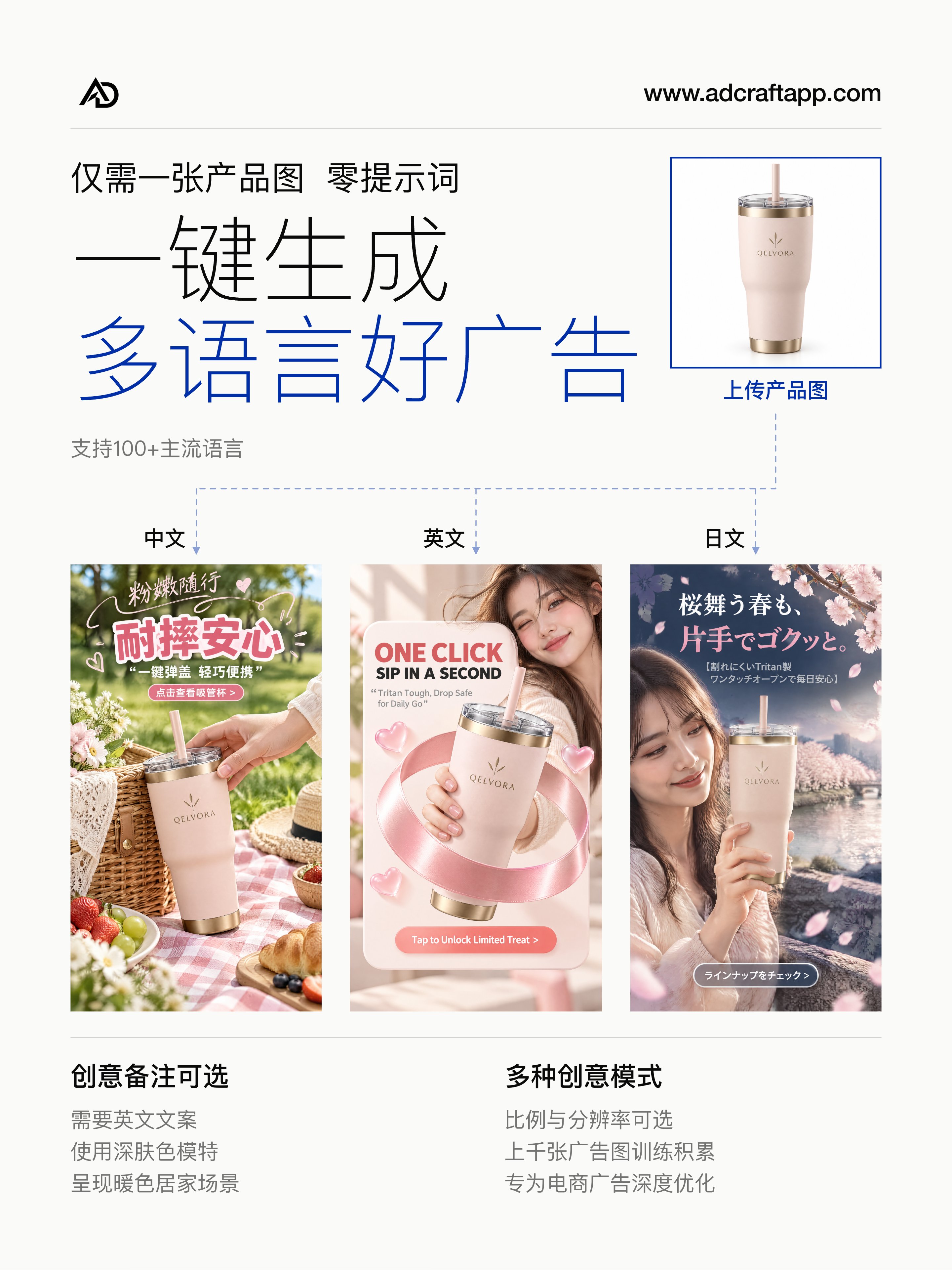
Upload a product photo
Use a clear reference image of the product you want to advertise. The tumbler examples above all start from the same white-background product photo.
 AdCraft
AI ad creative for ecommerce
Turn your product photo into advertising images with the visuals, headline and layout generated together. No prompt writing required.
27 optional style presets · Eligible new accounts receive 20 signup credits, subject to daily availability. See eligibility and credit terms.
From product to creative
AdCraft is a browser-based AI advertising image tool for ecommerce sellers and marketing teams. Start with your product image and let the system develop the visual, ad copy and composition together.
Use a clear reference image of the product you want to advertise. The tumbler examples above all start from the same white-background product photo.
Select an aspect ratio and resolution. Optionally choose a style preset or add a short creative note for language, scene or model appearance. You can leave both off.
Generate advertising images with copy and layout together. Review the result and download the selected creative for your campaign.
Made for ecommerce
Use one workflow for product-focused advertising and different market executions. These examples demonstrate creative possibilities rather than campaign performance.
Browse visual previews and choose one direction, from Dark Gold Elegance to Minimal Magazine. Keep presets off for the automatic workflow. Explore the style presets.
Eligible new accounts receive 20 signup credits, subject to daily availability. See eligibility and credit terms. Sign up with email verification or Google, then use your product photo or the sample product to explore the workflow.
Build an advertising composition with a headline, supporting copy and product visuals. The result is designed to communicate an offer or product story as an ad image.
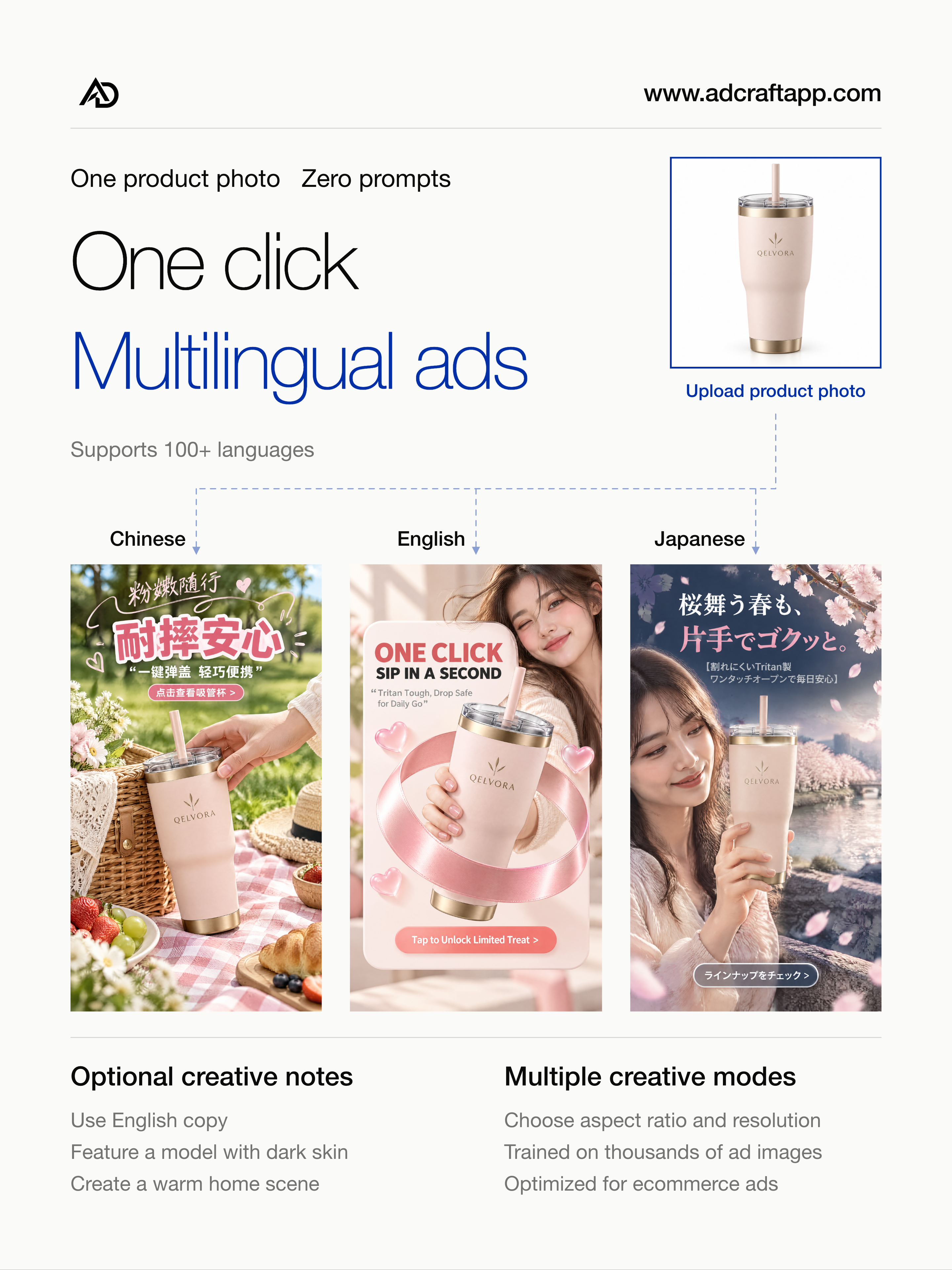
The featured tumbler examples show Chinese, English and Japanese executions from the same product reference. Set your preferred language in creative notes and generate a separate version for each language.
Generate without writing a prompt, or add a short note to guide the result toward the people, setting and language you want.
Choose among the aspect ratios and resolution options available in the app. Review your exported ad against your channel’s current requirements before publishing.
Explore the details
Practical answers for ecommerce sellers and marketing teams, with selected examples you can inspect.
Inputs, outputs, creative controls and common questions in one place.
Prepare a product reference, choose a format and review your creative before publishing.
Compare Chinese, English and Japanese copy, scenes and compositions using the same product reference.
See AdCraft in motion
Watch the product film and see the system’s interface, generated ads and creative possibilities. You can also open the full resolution promotional image.
View the 4K advertising examples · Open the original 4K film
Also available in Chinese · 中文宣传图 · 4K · 中文宣传视频 · 30 秒 · 4K
The film begins with one product photo and finished advertising examples. It then demonstrates a product upload, an optional creative notes field and the Generate action. A close-up highlights the ad headline, benefits and call to action. English and Japanese examples illustrate how language changes the copy and layout.
A gallery shows different product ads, followed by portrait and landscape formats and 4K output. The final sequence introduces copy locking, adding a brand logo, refining a scene with a note and downloading the selected result.
Good to know
AdCraft generates ecommerce advertising images with product visuals, ad copy and composition. It is intended for sellers and marketing teams that need creative assets for product campaigns.
No prompt writing is required for the one-click workflow. You can still add optional creative notes if you want to guide the language, scene or appearance of people in the image.
Yes. The examples on this page show Chinese, English and Japanese advertising from the same tumbler reference. Specify the language you want in the optional notes and review the generated copy before publishing.
The app provides aspect ratio and resolution choices. Choose the available option that suits your intended placement.
Choose one of 27 optional visual directions using the preview picker beside the optional Idea field. A preset guides the design; your product and copy shape the generated ad. See the names and how to use them.
Open adcraftapp.com, create an account or sign in, and start from your product image. Eligible new accounts receive 20 signup credits, subject to daily availability and eligibility. Credits expire 365 days after they are added. Read the signup credit details. The app shows the cost estimate before generation.
For product and access questions, email support@adcraftapp.com.
Your product is the starting point
Product information reviewed